
Autor: NTA Time: 2026-07-24 20:50:23 Click:
A drive-through vehicle inspection system associates a vehicle with a scan record, captures configured exterior, underbody, or tire evidence, prepares that data for AI inference, compiles findings into a traceable report, and routes exceptions and material decisions to human reviewers.
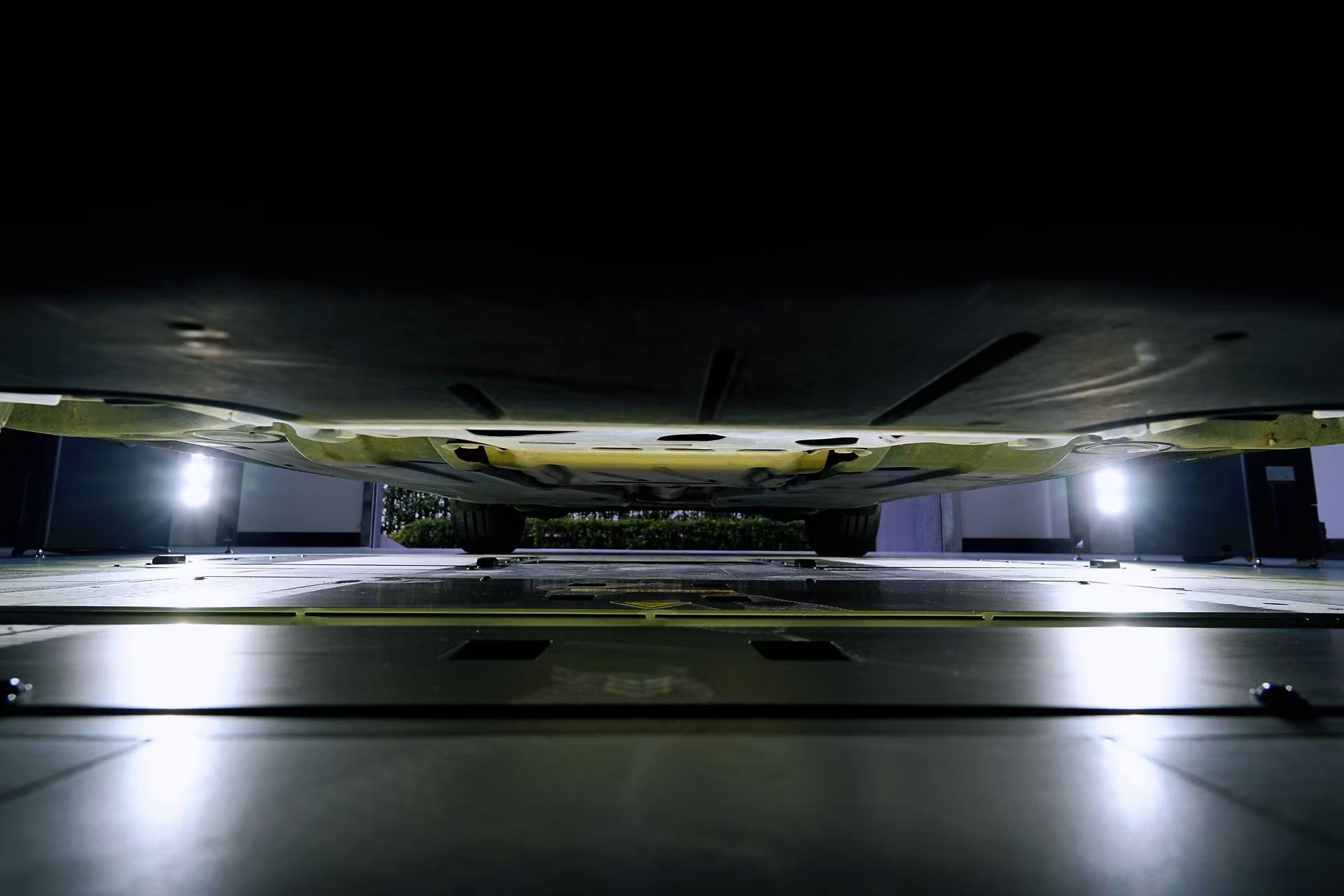
A drive-through vehicle inspection system turns one controlled vehicle pass into organized condition evidence. The visible part is the lane, arch, floor scanner, and tire modules. Behind them is a software workflow that associates the vehicle with a record, prepares captured data, applies configured AI models, and builds a report for review. Understanding each stage helps operators distinguish automatic capture from automatic decision-making. It also gives buyers a practical way to evaluate evidence quality, exception handling, and integration before they choose a lane configuration. The system links a vehicle to a scan, captures the surfaces or measurements covered by its configured modules, prepares the data for analysis, runs AI inference, and maps findings to supporting evidence. Reporting software then organizes the results, while people review material findings, resolve exceptions, and decide the next action. The inspection needs a record before its images and measurements can become useful evidence. In a typical deployment, an arriving vehicle is associated with a workflow identifier such as a work order, fleet handoff, auction lot, or service appointment. The exact identification and trigger method depends on the site's software and operating process. This association connects captured frames, measurements, candidate findings, review status, and final action to the same inspection event. It also helps an operator verify that a report belongs to the physical vehicle in the lane. Integration determines how smoothly that association fits existing work. The official Dragate body scanner page states that the product supports API docking and local server deployment. Those capabilities can support data exchange with an operator's systems, but the actual identifier, fields, and trigger logic still need to be defined for each deployment. Once the scan is active, the vehicle passes through a controlled lane. The installed modules determine what the system can inspect: • The Dragate arch scanner performs non-stopping automatic image capture for exterior body inspection. • The TOTA underbody scanner produces 4K underbody images and describes distortion rectification on its official page. • The LUBAN tire tread scanner scans as the tires roll over the module and measures the grooves of each tire. • A 4-in-1 passenger-car configuration can combine exterior, underbody, tire tread, and tire sidewall inspection. A site does not need every module. The design question is whether the installed capture coverage matches the evidence its workflow requires. Camera output is not automatically analysis-ready. A typical machine-vision pipeline may use camera calibration, geometric correction, frame association, view alignment, and quality checks before model inference. OpenCV's official camera calibration tutorial source explains how intrinsic parameters and distortion coefficients support image correction. The exact preparation steps vary by product and configuration. They should not be treated as universal Elscope Vision specifications. Their purpose is practical: 1. Keep frames associated with the correct scan. 2. Correct known optical or geometric effects where the design requires it. 3. Organize views so a finding can be linked to a vehicle area. 4. Identify missing, obscured, or otherwise unusable evidence for exception handling. The operator should define usable evidence and what happens when that threshold is not met. A good acceptance test checks both a normal pass and an intentionally incomplete or off-center pass. After the configured preparation and quality gates, AI models evaluate the available evidence for the tasks they were designed to support. Product scope matters. Dragate's official page describes AI identification of body defects such as dents and scratches. TOTA's page lists cracks, rust, scratches, and oil leaks for underbody recognition. LUBAN produces tread measurements and reporting on tire diagnostics, risks, and maintenance. The useful output is more than a label. A finding should remain connected to its source image, measurement, and vehicle location so a reviewer can inspect the basis for it. The system can then present candidate findings in a consistent order instead of requiring staff to search through unrelated frames. AI inference is decision support. It is not automatically the final word on vehicle condition, safety, repair scope, grading, or compliance. NIST's AI Risk Management Framework places trustworthiness considerations across AI design, development, use, and evaluation. The operating process should define who reviews findings, handles exceptions, and monitors results. The reporting layer turns model output and measurements into a condition record that people and other systems can use. Depending on the configured modules, that record may contain: • Vehicle and scan identifiers. • Captured exterior, underbody, or tire evidence. • Tread measurements or candidate defect labels. • Finding locations and supporting frames. • Review state, reviewer action, and exception notes. • Export or integration fields required by the operator. The official TOTA page states that data can be stored in the cloud for access and traceability, and that APIs support integration and custom software development. Dragate and LUBAN pages also describe API support and local server deployment. Buyers should still validate data flow, field mapping, access control, retention, and failure behavior. Human review closes the gap between an automated signal and an operational decision. A reviewer can compare a material finding with the source evidence, confirm or reject it, request a rescan, record an exception, or route the vehicle for follow-up. The final action should match the site's role and applicable rules. Review is also how teams learn where the workflow needs attention. Repeated missing views may indicate a lane-positioning issue. Frequent overrides may call for a closer look at capture conditions, thresholds, or model behavior. NIST's AI RMF Manage Playbook recommends ongoing monitoring, documentation, and management of AI risks throughout the lifecycle. This is general guidance, not certification of any vehicle inspection product. This stage-by-stage test is more useful than treating the lane as one opaque device. It reveals what is automated, what is configurable, and where people remain accountable. No. Coverage depends on the installed modules. Exterior, underbody, tread, and sidewall inspection can be deployed separately or combined. Buyers should map each module to the specific condition evidence their workflow requires. No. AI can organize evidence, produce measurements, and flag candidate findings. Trained staff should review material results and exceptions, then make repair, acceptance, grading, or compliance decisions under the site's procedures. It can where the selected product and deployment support the required interface. Elscope Vision's cited product pages describe API capabilities, and some also list local server deployment. The buyer still needs to test identifiers, field mapping, permissions, retries, and audit records. That depends on the configured quality gate and operating procedure. A responsible workflow should expose missing or unusable evidence, hold the case for review, and give authorized staff a defined choice such as rescan, exception handling, or manual follow-up. A drive-through vehicle inspection system works as a chain: record association, controlled capture, data preparation, AI inference, evidence-rich reporting, and human review. Each stage affects the reliability and usefulness of the next. When evaluating a system, use representative vehicles and deliberate exception cases, then verify that the final report stays connected to its source evidence. That test shows whether the lane supports the real operating decision, not merely whether the hardware can capture an impressive set of images.A drive-through system converts a controlled pass into a reviewed condition record

Step 1: The workflow opens the right scan record
Step 2: Configured modules capture condition evidence
Step 3: Normalization prepares captured data for inference
Step 4: AI inference creates candidate findings and measurements
Step 5: Reporting software organizes the evidence
Step 6: People review findings and resolve exceptions
What should buyers verify at each stage?
Workflow stage Evidence to request Human control to confirm Record association Sample identifiers, field mapping, and trigger logic Staff can verify the scan belongs to the right vehicle Lane capture Coverage map and representative raw images Operators can recognize and recover from a poor pass Normalization Calibration records and quality-gate rules Exceptions do not silently proceed as complete evidence AI inference Supported finding classes and evidence links Reviewers can inspect and override material findings Reporting Sample report, data schema, and audit fields Review state and actions remain traceable Integration API documentation and failure-handling test Records reach the intended system without losing context FAQ
Does every drive-through system inspect the body, underbody, and tires?
Does AI make the final decision about a vehicle?
Can the report connect to existing software?
What happens when a pass produces incomplete evidence?
Evaluate the complete path from capture to review
Let's Discuss Your Inspection Needs
We offer professional consultation services
Address : NO. 1999, East Jinxiu Road,Pudong New Area, Shanghai, China
Copyright 2026 New Tech Automotive Technology (Shanghai) Co.,Ltd. All Rights Reserved Information Security
Follow Us


Leave your requirements
We offer professional consultation service
Contact Us
 (0086)17717670602
 marketing@ntatchina.com
 8617717670602
Follow Us
Address : NO. 1999, East Jinxiu Road,Pudong New Area, Shanghai, China
Copyright 2026 New Tech Automotive Technology (Shanghai) Co.,Ltd. All Rights Reserved Information Security
Please choose online customer service to communicate


