
Autor: NTA Time: 2026-10-15 09:55:06 Click:
A contract and acceptance guide for inspection centers changing on-premises software vendors: what the history export must contain, which open formats to require, and how to test the export before the old system is switched off.
An inspection center leaving an on-premises vehicle inspection software vendor should require a complete, documented and verifiable export of its inspection history, not a folder of PDF reports. The export should cover five layers: inspection records, the original evidence files, findings and annotations, review and correction history, and reference data such as defect codes and software versions, all explained by a field-level data dictionary. Those layers should arrive in open formats with stable identifiers, a protected file manifest with checksums, and a reconciliation report against an agreed snapshot. The contract should also fix the timing of a trial export, delta exports that capture new and changed records up to cutover, read-only access during the transition, and documented sanitization of the old media once the center accepts the data. The rest of this article turns those requirements into a checklist an IT lead can adapt for a contract annex and an acceptance plan. Official Elscope Vision inspection software screen with license plate, order number and VIN fields beside the recent scan list. Inspection history can span database records and separate evidence stores. Where evidence files sit outside the database, a database export alone can leave the images behind, while an image export alone leaves the findings without context. Corrected identifiers deserve special attention. If a plate or VIN was fixed after the scan, the export should carry both the original and corrected values with the correction record. Fields that the old system never captured should be listed as gaps in the data dictionary. That keeps an empty column from being read as a negative result. The goal is an export that a new system, a database administrator or an auditor can read without a license for the old product. These requirements cover the structured data and the evidence files. 1. Structured data in JSON or CSV. JSON exchanged outside a closed ecosystem must use UTF-8 under RFC 8259, and CSV files should follow the common format in RFC 4180, with UTF-8 encoding stated in the contract. 2. Evidence files in their original captured format and resolution. Viewing copies can be added, but re-compressed or watermarked copies should not replace the originals. 3. A format note for any proprietary evidence or measurement file, with a viewer the center may keep using or an additional open copy. 4. Timestamps in UTC or with an explicit offset, as in RFC 3339. A local clock time without an offset becomes ambiguous when clocks fall back for daylight saving. 5. Stable, unique identifiers that are never reused, plus an association table that links each evidence file to every record it belongs to through a resolvable relative path. 6. A data dictionary listing each table or object, field name, data type, allowed values, units and meaning. 7. Code lists and enumerations exported as data, so a value such as a severity grade of 3 can still be decoded later. 8. A manifest of every delivered file with its size and SHA-256 checksum, generated before transfer and kept separately from the data. SHA-256 is specified in FIPS 180-4, and a match shows that the received file is identical to the file listed in that baseline. A native database backup can be delivered as an extra copy. It should not replace the open export, because restoring it may depend on a specific database engine, version and application schema. Each line below is a buyer requirement to place in the exit or transition annex. The wording is a starting draft for the center's procurement and legal teams. Retention obligations, contract rights, privacy duties and any legal holds all shape the scope line. The center's legal advisers should confirm those inputs, rather than leaving the vendor's default retention to decide what moves. Acceptance works best as a written test that either passes or fails. A practical sequence follows. 1. Agree the sample and the snapshot. Pick a trial period that includes normal scans, retests, corrected plates or VINs, incomplete scans and records with manual overrides, and fix the cutoff time for every count. 2. Count independently. The center queries the old system at that snapshot for records, evidence files and findings per month, and keeps the list of record identifiers. 3. Verify integrity. Recompute SHA-256 checksums for every delivered file and compare them with the protected manifest. 4. Reconcile counts and identifiers. Compare totals by month, lane and module, then check for missing, duplicate or unexpected identifiers and empty mandatory fields. 5. Trace records end to end. For a set of sampled records, follow vehicle, findings, evidence files and reviewer actions and confirm every link resolves. 6. Load into staging. Import the trial export into the new system or archive in a test environment and run the searches staff actually use, such as plate, VIN and date. 7. Sign or reject. Record each check as passed or failed, list defects, and repeat until the trial passes; then apply the same checks to the full export and the final delta. A simple reconciliation framework keeps the review objective. Assume the old system reports R records, F evidence files and D findings for a month at the agreed snapshot; matching R, F and D with zero checksum mismatches is the minimum, and the month passes only when the identifier, field, link and staging checks also pass. Storage for the incoming history can be planned the same way. Measure average evidence size per record for each module in a representative trial period, multiply by the record count, then add structured data, indexes, backup copies, temporary import space and expected growth; the trial measurement then calibrates any earlier estimate. For centers that need to keep lanes running during the switch, the full export can run while the old system is still live. One or more delta exports and a final export at cutover then bring the new archive up to date. A short read-only period on the old system helps staff answer customer questions while the new archive is checked. The contract should state when that access ends and who holds administrator credentials until then. After written acceptance, the old servers, storage and backup copies may still hold vehicle and customer data. Sanitization of in-scope media in line with NIST SP 800-88 Rev. 2, verified and recorded per asset, reduces the risk of residual data on hardware that leaves the center's control. The same requirements apply to the system that replaces the old one. Elscope Vision's 4-in-1 solution for annual inspection supports API integration and on-premises deployment, and that page states that data is stored locally with secure access and full traceability; the storage location for each project is set in its deployment configuration. The published report content is specific enough to map into an export dictionary. The Dragate arch scanner report shows the total number, location and severity of defects on each vehicle surface, and each vehicle generates 17 videos and over 2,000 images with defect locations marked, according to the arch scanner page. Evidence volumes of that kind are why the storage estimate above should come from measured trial exports on the configured lane. The underbody scanner identifies defects such as cracks, rust, scratches and oil leaks. The tire sidewall scanner uses OCR and AI vision to read tire brand, model and DOT date codes. Legacy history can stay in its own read-only archive or move into the center's inspection management system. New records can reach that system through the API, with the field mapping for plate, VIN and order number agreed during implementation; if staff need one search across old and new records, the receiving system's index and that search belong in the acceptance test. 1. Attach the export annex, data dictionary requirement and checksum manifest requirement to the new contract at signing. 2. Run a small export test during commissioning, while both parties are still engaged on the project. 3. Repeat a sample export every year and store the result with the center's own backups. Every evidence file linked to a retained record should be included. A report is a summary and may not keep every source image, angle or full-resolution detail, while the source files allow a closer review when a finding is questioned. Rights to access, export and reuse inspection data and derived outputs are set by the contract within applicable law. For the migration itself, the exit annex should list findings and annotations in the export scope so they travel with the evidence. The period should be long enough to finish acceptance of the final delta export and resolve any open records. A fixed number of weeks in the annex, with an extension if acceptance fails, keeps the end date clear. That depends on the access the center holds to the database and file stores, and on its license terms. Even when IT can extract data directly, a current data dictionary and code lists are still needed to interpret it correctly. Where the vendor is slow to deliver one, IT can draft it from the database schema and ask the vendor to confirm it in writing under the exit annex. If your team is planning a lane upgrade or vendor change and wants to see how Elscope Vision handles local inspection records, API integration and on-premises deployment, request a demo or a solution discussion.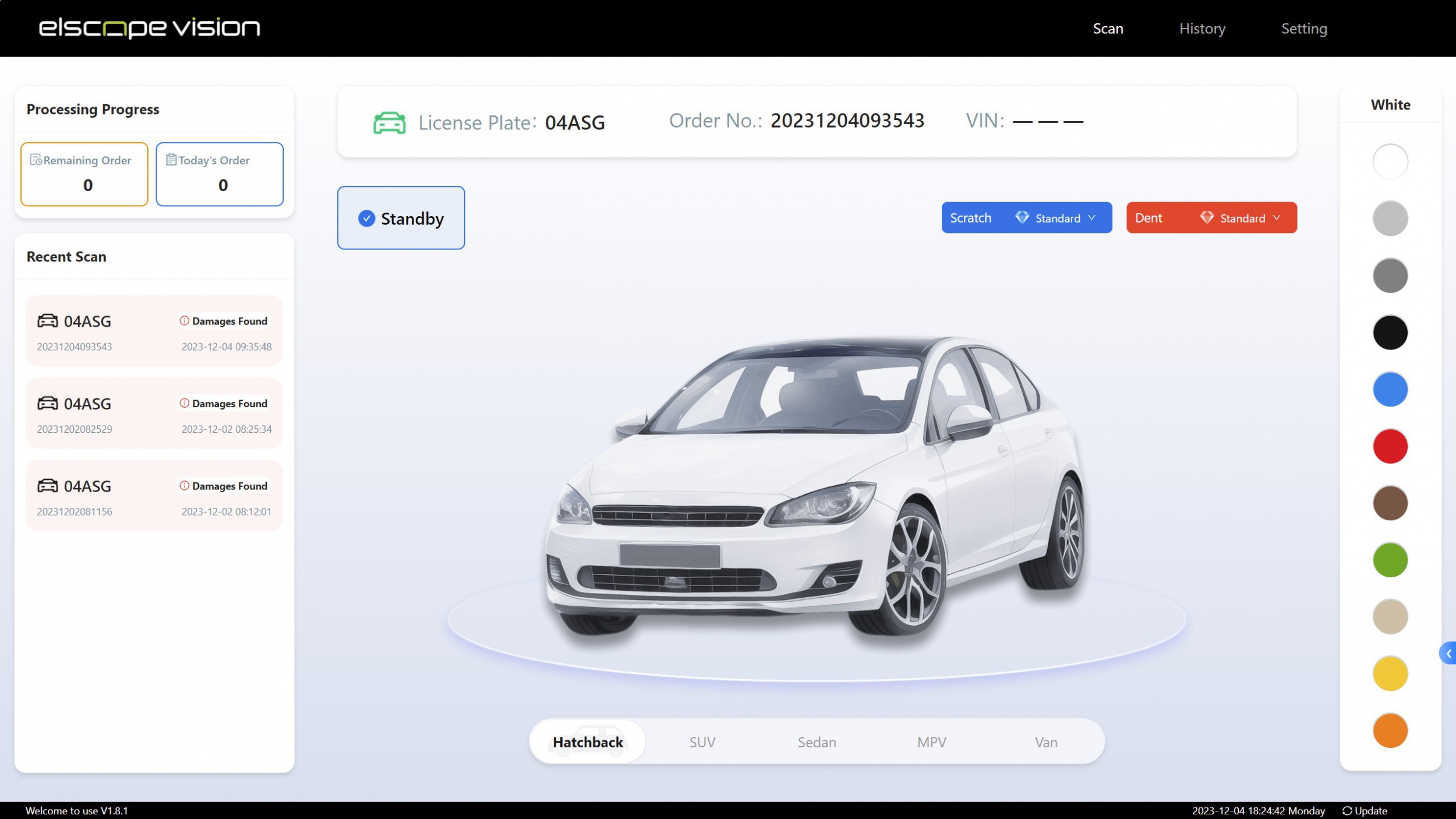
What a complete inspection history contains
Layer What the export should include Why it matters after the switch Inspection records Scan ID, order or job number, plate, VIN, site, lane, start and end timestamps, result status, retest links Lets staff find retained inspections by vehicle or date Evidence files Original images, videos and measurement files for each module, linked to the scan ID Supports disputes, audits and retest comparisons Findings and annotations Defect type, location, severity, marked image regions, tire position and readings Keeps the result interpretable, not just the verdict Review and audit history Who reviewed, overrode or corrected a record, when, and the before and after values Shows how a final report was reached Reference data Defect code lists, severity scales, user and lane tables, software and model versions per record Lets a later reader decode codes that the new system does not use Format requirements that keep records readable without the old software
Export requirements checklist for the contract
Requirement Suggested contract wording Acceptance evidence Scope Supplier exports all retained inspection records, evidence files, findings, review history and reference data held on the center's systems Signed scope list matched to the data inventory Format Structured data in JSON or CSV in UTF-8; evidence files in original captured format Delivered files open in standard tools Data dictionary Supplier delivers a field-level dictionary and all code lists Dictionary covers every field in the delivered export Integrity Supplier delivers a pre-transfer manifest with file sizes and SHA-256 checksums Center recomputes checksums with zero mismatches Trial export Supplier runs a trial export of an agreed period before the full export Trial passes the acceptance steps below Full and delta exports Full export at an agreed snapshot, then delta exports covering new, updated, corrected and deleted records and changed evidence up to cutover Delta contents match change logs since the previous snapshot Reconciliation report Supplier states record, file and finding counts by month and module for each snapshot Counts and identifier lists match the center's queries at the same snapshot Transfer method Bulk evidence moves on encrypted portable media or over the network in agreed windows outside lane operating hours Transfer log showing media or windows used, with no lane disruption reported Effort and support Export effort, hours and cost allocation agreed in advance Named contacts and response times in the annex Transition access Read-only access to the old system for an agreed period after cutover Access confirmed by test logins Decommissioning Supplier sanitizes in-scope media and copies after written acceptance, or returns media under a handover record Sanitization certificate listing assets, method and verification, or signed handover record How to accept the export before switching off the old system
Plan the cutover, parallel access, and decommissioning
Where Elscope Vision fits on the incoming side
Bonus tips: write the next exit into the new contract
FAQ
Should the export include every image, or only the final reports?
Who owns AI findings and annotations created by the old system?
How long should the old system stay available after cutover?
Can an inspection center run the export itself instead of relying on the vendor?
Plan the next exit while choosing the new system
Let's Discuss Your Inspection Needs
We offer professional consultation services
Address : NO. 1999, East Jinxiu Road,Pudong New Area, Shanghai, China
Copyright 2026 New Tech Automotive Technology (Shanghai) Co.,Ltd. All Rights Reserved Information Security
Follow Us


Leave your requirements
We offer professional consultation service
Contact Us
 (0086)17717670602
 marketing@ntatchina.com
 8617717670602
Follow Us
Address : NO. 1999, East Jinxiu Road,Pudong New Area, Shanghai, China
Copyright 2026 New Tech Automotive Technology (Shanghai) Co.,Ltd. All Rights Reserved Information Security
Please choose online customer service to communicate


