
Autor: NTA Time: 2026-10-30 17:07:33 Click:
See which identification fields and image outputs a drive-through tire sidewall scanner publishes, where each field is stated, and how a demonstration on your own tires works.
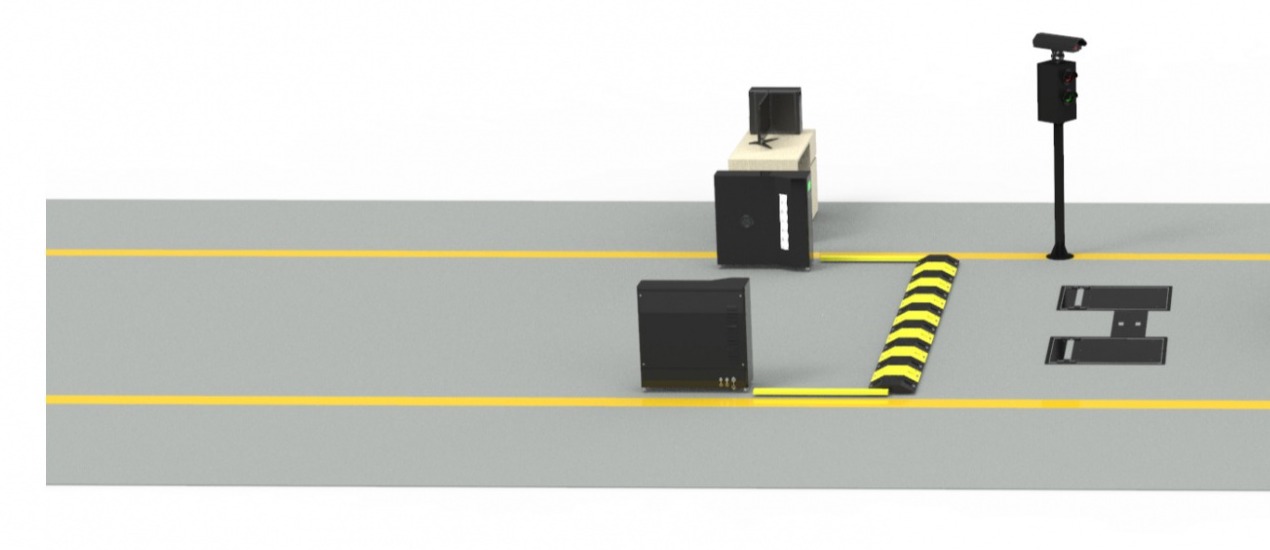
Tire service centers and fleet tire managers comparing sidewall scanners need to know exactly which fields a pass returns. The counter quotes from the size, a fleet checks tire age against its own policy, and technicians in both settings want to see the sidewall before walking out to the car. Elscope Vision's drive-through tire sidewall scanner publishes each of those outputs field by field, from brand and model to the 4K sidewall images in the report, so it fits tire businesses whose quotes and tire records start at the sidewall. Elscope Vision sets out the outputs of its passenger car sidewall scanner on the tire sidewall scanner page and the passenger car product page. The same sidewall function runs inside the four-function system at its PTI deployment in the Middle East. The matrix sorts each output by how the scanner produces it, whether by reading the lettering, by AI defect models, or as part of the report. Field matrix compiled from Elscope Vision's public pages One pass produces three kinds of output that work together in a tire business: 1. Identity reads. The scanner turns the lettering molded into the rubber into tire identity data. A tire service center uses it for stock lookup and quoting. A fleet ties it to its own vehicle and wheel position records, and the date code tells it when each tire was made, which is the input its existing age policy works from. 2. Defect findings. AI models flag visible damage such as a sidewall bulge, along with defects on the wheel. The technician uses those findings to plan the inspection and decide the repair. 3. Tire images. The 4K sidewall images in the detailed report show the sidewall surface and its lettering, so a read or a finding can be looked at on screen before anyone walks out to the vehicle. A sidewall scanner covers tire identity and sidewall condition, while groove depth comes from a tread scanner. In Elscope Vision's tire and wheel inspection solution, one drive-through scans both, covering tire information, tread depth, uneven wear, and wheel damage, and the system holds all of the data as detailed reports. Pairing the sidewall unit with the LUBAN PRO tire tread scanner therefore gives a tire service center identity, sidewall condition, and groove depth from the same drive-through. For fleets, the same combination supports tire life cycle and asset management, as described in Elscope Vision’s 2024 fleet tire solution. The scanner reads tires while a vehicle drives through, so a useful demonstration runs vehicles fitted with the tires your business handles most, watched by the staff who will work with the report. Illustrative session plan for the published outputs 1. Bring passenger cars on the tire mix you sell or run. Your most common sizes and brands, a few older tires, and, if one is available, a car with visible rim damage show how identity reads, date codes, and defect findings appear in the report after each pass. 2. Bring the staff who will work with the report. For a retail shop that usually means the counter team and the technicians, and a fleet adds whoever keeps the tire and asset records. Opening the report together after each pass shows whether its layout and 4K sidewall images suit the way the bays already work. 3. Plan where the data goes. Fleets can talk through how scan records would reach their fleet software through the API and how each record should be tied to the right vehicle and asset. 4. Share the lane layout. A sketch of the entrance where the scanner would sit lets the placement be planned alongside a tread scanner from the start. Marking where vehicles queue on a busy morning and where the advisor's desk sits puts the drive-through in the context of the whole service drive. Wheel defects are covered, since the AI models behind the sidewall pass look at both the sidewall and the wheel. For a tire service center, that puts visible wheel defects in the same inspection as the tire identity reads, so rim damage can come up in the same service conversation as tire age and size. The report can include AI-generated suggestions pointing toward tire replacement or an alignment. The alignment itself is still measured on the shop's alignment equipment, so the suggestion gives the service advisor a starting point for that conversation, with the sidewall images on screen to show the customer. Book a sidewall scanner demonstration and arrive with a vehicle or two on your most common tires and a sketch of your entrance lane, so the conversation can cover the report, the fields each team relies on, and where the scanner would fit in your drive.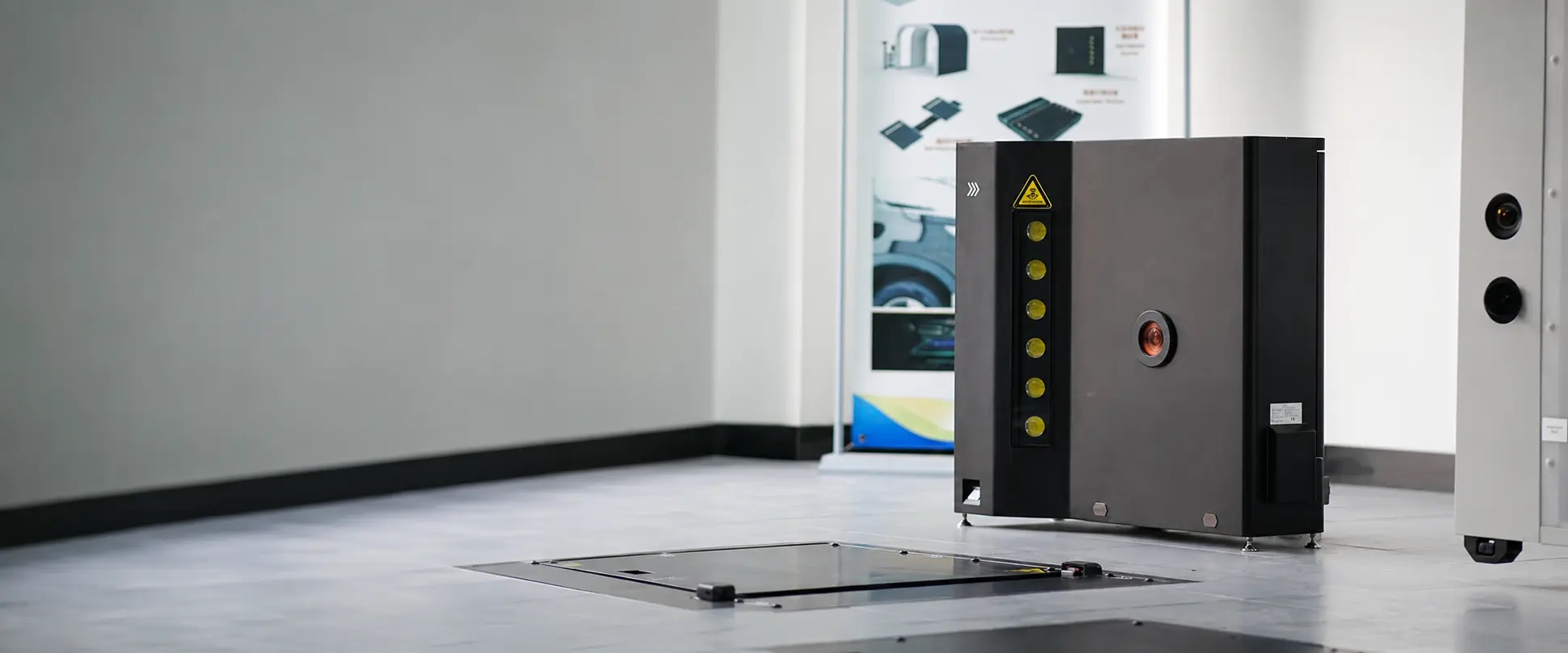
The Fields a Sidewall Report Carries
Field or output How the scanner produces it Published on Tire brand OCR and AI vision Both product pages; October 2026 PTI announcement Tire model OCR and AI vision en.smartautoscan.com page; October 2026 PTI announcement Tire size OCR Both product pages DOT date code OCR and AI vision en.smartautoscan.com page; October 2026 PTI announcement Tire age OCR Both product pages Sidewall defects, such as bulges AI defect models Both product pages; October 2026 PTI announcement Wheel defects AI defect models Both product pages; October 2026 PTI announcement Tire images 4K sidewall images in the detailed report Both product pages Maintenance suggestions AI-generated suggestions for tire replacement or alignment elscopevision.com page API integration APIs for data integration and custom development Both product pages Identity Reads, Defect Findings, and Images Do Different Jobs
One Drive-Through Pass for Tread and Sidewall Together
Seeing the Fields on Your Own Tires
FAQ
Are wheel defects part of the sidewall pass?
Does the report flag when a tire needs replacing or a car needs an alignment?
Book a Sidewall Pass on Your Own Tires
Let's Discuss Your Inspection Needs
We offer professional consultation services
Address : NO. 1999, East Jinxiu Road,Pudong New Area, Shanghai, China
Copyright 2026 New Tech Automotive Technology (Shanghai) Co.,Ltd. All Rights Reserved Information Security
Follow Us


Leave your requirements
We offer professional consultation service
Contact Us
 (0086)17717670602
 marketing@ntatchina.com
 8617717670602
Follow Us
Address : NO. 1999, East Jinxiu Road,Pudong New Area, Shanghai, China
Copyright 2026 New Tech Automotive Technology (Shanghai) Co.,Ltd. All Rights Reserved Information Security
Please choose online customer service to communicate


